The City of Albany's Emergency Utility Assistance Program (EUAP) provides one-time financial assistance to residential utility customers experiencing a sudden, unexpected financial hardship due to a qualifying life event. The program helps customers maintain essential utility services during temporary emergencies by applying a credit directly to their City of Albany utility account.
The Community Services Consortium (CSC) administers applications on behalf of the City of Albany. Eligible households may receive:
- A one-time $270 credit applied directly to their City of Albany utility account.
- Assistance is limited to one award per household during each fiscal year (July 1–June 30).
- Funding is available on a first-come, first-served basis until annual program funds are exhausted.
Eligibility Requirements
To qualify, applicants must:
- Be a residential City of Albany utility customer.
- Have an active City of Albany utility account in their name.
- Have experienced a qualifying emergency (see below) within the previous 90 days.
- Meet all program documentation requirements.
Qualifying Emergency Events
Applicants must provide documentation verifying the qualifying emergency. Provide only the documentation needed to determine eligibility.
Applicants must have experienced one of the following:
Loss of employment
Required Documentation:
- Layoff or termination notice
- Unemployment insurance approval or benefit statement
Death of an immediate family member
Required Documentation:
- Obituary
- Funeral or memorial program
- Death certificate
Divorce or legal separation resulting in financial hardship
Required Documentation:
- Filed court documents
- Filed separation agreement
- Letter from an attorney
- Self-attestation for domestic violence
Natural disaster or significant property loss, such as fire or flood
Required Documentation:
- Insurance claim documentation
- Verification of assistance from a relief agency (such as FEMA or the American Red Cross)
- Police or fire report (or report number)
How to Apply
1. Submit Application
Complete the online Emergency Utility Assistance Program application, including the required documentation (see below).
2. Review
The Community Services Consortium (CSC) will review your application and determine eligibility.
3. Notification
Applicants will be notified of the approval or denial decision.
4. Credit Applied
If approved, the City of Albany will apply the $270 credit directly to the utility account.
Frequently Asked Questions
Can I receive both Low-Income Assistance and Emergency Utility Assistance?
Yes. The Emergency Utility Assistance Program is separate from the City's Low-Income Assistance Program. If you qualify for both programs, you may apply for each separately.
How often can I receive assistance?
Eligible households may receive one Emergency Utility Assistance award per fiscal year (July 1 through June 30).
Is approval guaranteed?
No. Assistance is subject to eligibility requirements, available funding, and completion of the application process.
What if I need additional help?
If additional assistance is needed, CSC may refer applicants to other local, state, or federal assistance programs.
- Details
Create an account
Create an account
Account numbers have changed in the new billing system. Visit https://albany.util360.com/client/login and click on "Find my account." Then, fill in your old account number and your billing zip code from a previous bill to search for your new account number.
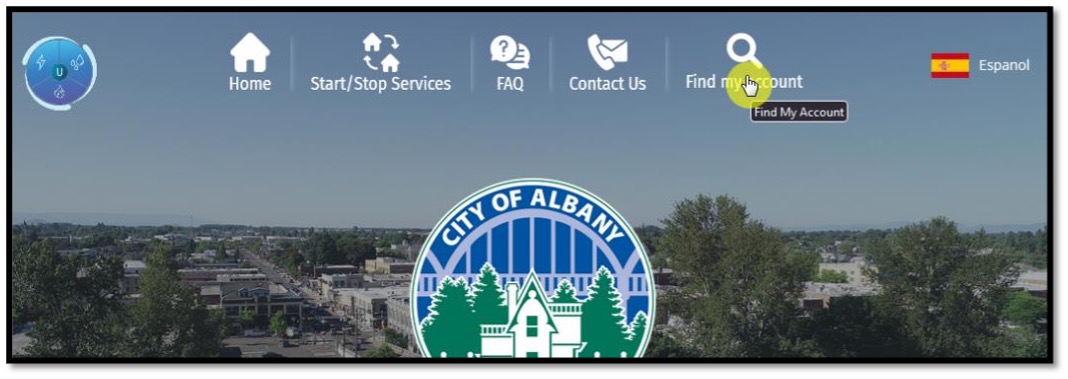
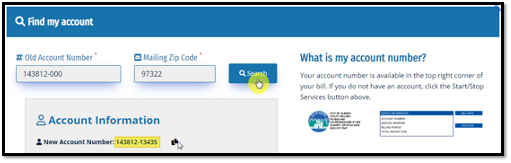
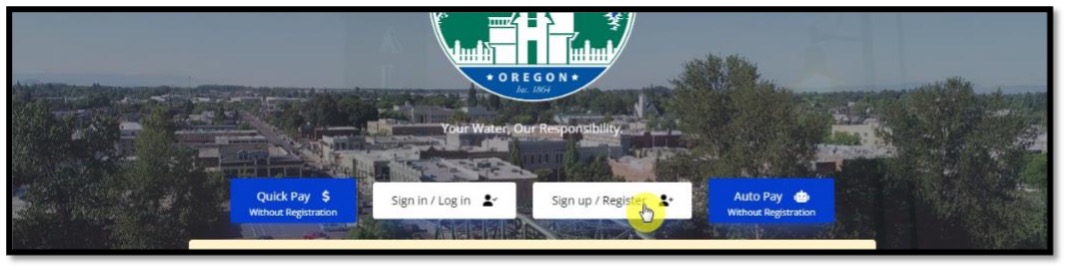
With your new account number and billing zip code, start the account registration process by clicking on the "Sign up/register" button.
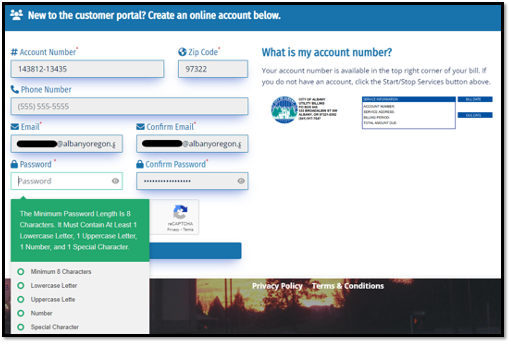
Fill in the registration questions and create a complex password.
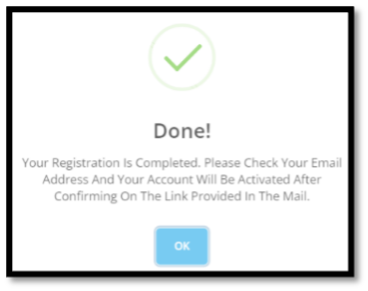
Check your email for a confirmation message. Click on the "Complete Registration" link in that email. Always be sure the link begins with "https://albany.util360.com/client/register/confirm".
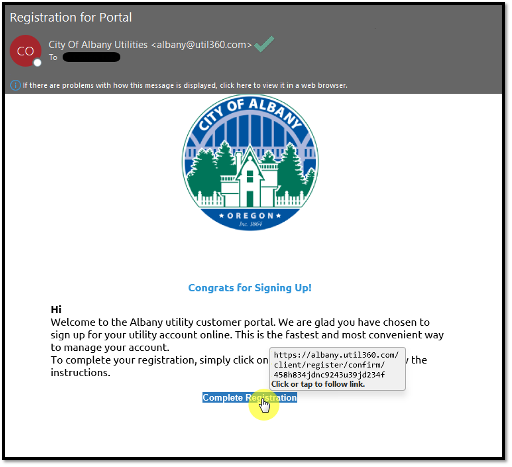
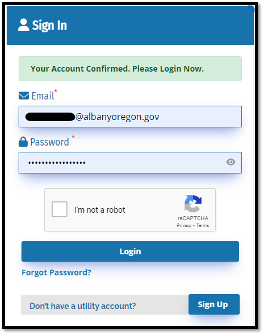
Your registration will be confirmed and you can sign into your account.
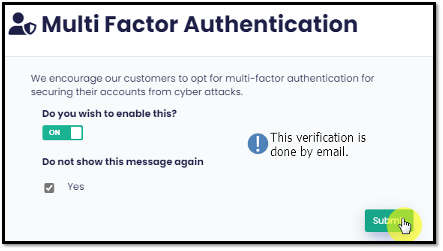
You are encouraged to set up multi factor authentication (MFA) using your email to help keep your account and personal data more secure.
Set up paperless billing
Paperless Billing
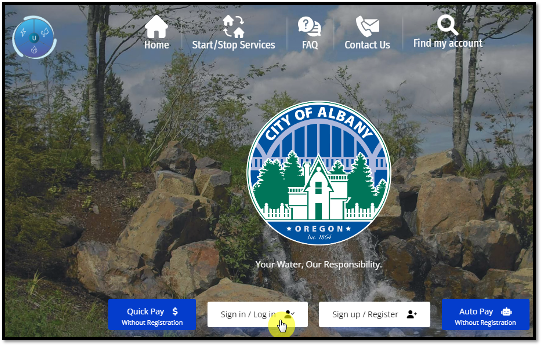
Login to your account at https://albany.util360.com. If you haven't set up your new account yet, see the "Creating an account" tab on this page first.
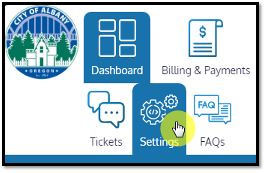
Click on "Settings" tab.
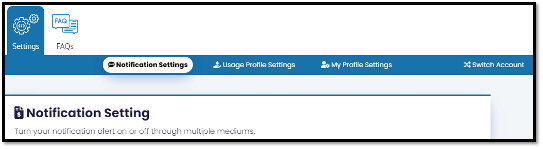
Select "Notification Settings" and scroll down to "Paperless Bill Settings".
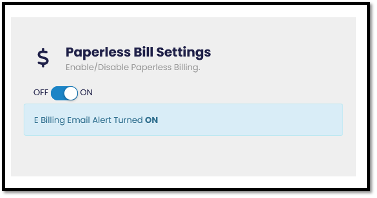
Turn on or off paperless billing.
Set up auto pay
Set up auto pay in your account
Login to your account at https://albany.util360.com. If you haven't set up your new account yet, see the "Creating an account" tab on this page first.
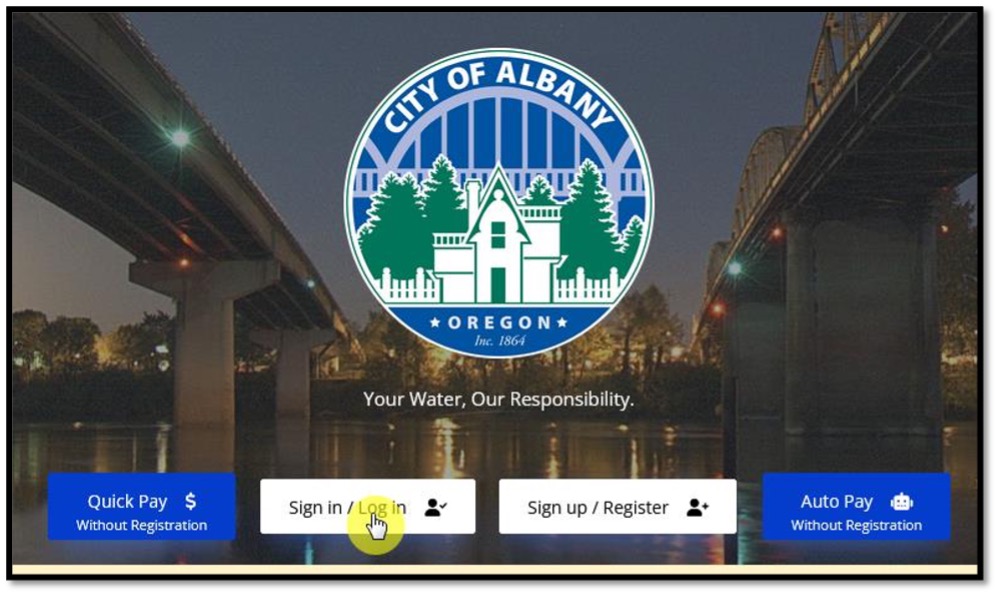
Click the "Manage Auto Pay" button after you login to your account.
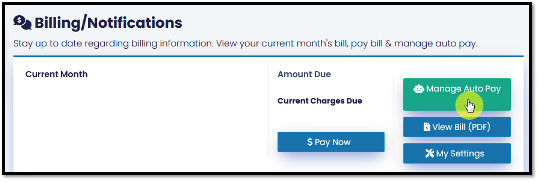
If you already have auto pay setup, Auto Pay Management allows you to edit or delete your auto pay configuration.
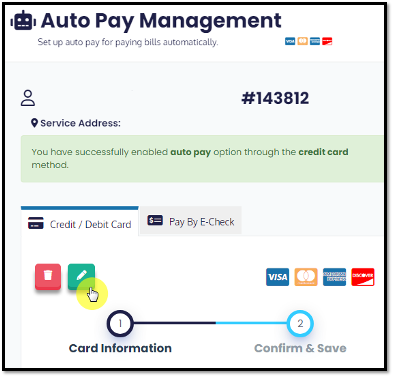
If you haven't set up auto pay yet:
To set up auto pay by credit or debit card, enter in your card information along with the details associated with that card.
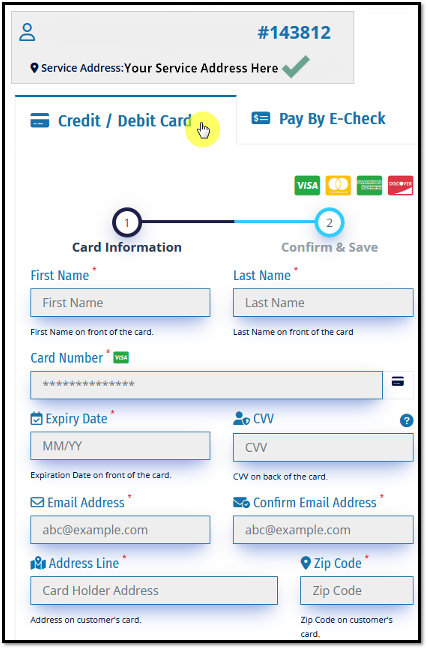
To set up auto pay by e-check, enter in your bank account information along with the details associated with that account.
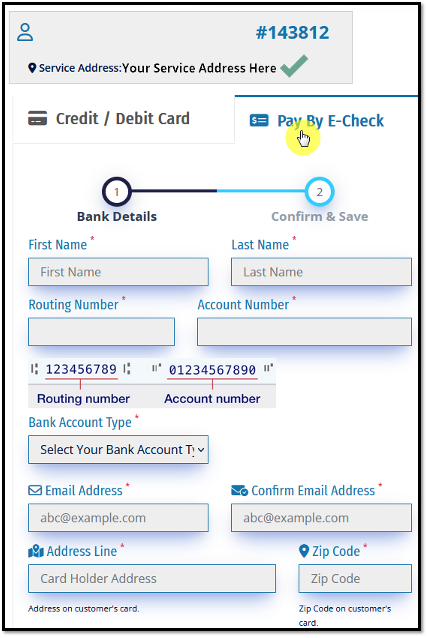
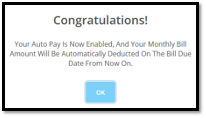
Double check the data and click submit. Along with the following confirmation, you will get a confirmation in your email you submitted.
Still need help?
Still need help?
Email This email address is being protected from spambots. You need JavaScript enabled to view it.
Remember to include your account number(s) in your email.
Call 541-917-7547
Monday-Friday from 8:00 am to 4:30 pm
In person
333 Broadalbin St SW (1st floor)
Monday-Friday from 8:00 am to 5:00 pm
- Details
Rate resolutions are enacted by Albany City Council.
Stormwater
Resolution 7417 ADOPTED
Adopted: May 14, 2025
Effective: March 1, 2027
Water
Resolution 7504 ADOPTED
Adopted: June 24, 2026
Effective: January 1, 2027
Resolution 7469 CURRENT
Adopted: November 5, 2025
North Albany County Service District (NACSD)
City Services Fee
Resolution 7431 CURRENT
Adopted: June 11, 2025
Effective: October 1, 2025
- Details
- Details

1.
City of Albany Utility Billing uses P.O. Box 945.
2.
Bills are due and payable upon receipt. Accounts are considered past due if not paid within 10 calendar days of the billing date.
3.
The bill features a monthly historical usage graph.
4.
Your bill shows a detailed list of water, sewer, and stormwater charges for the current month.
5.
The bill has a box for important messages about your city utilities.
6.
For your convenience, our office hours are printed on every bill.We also have an e-mail address you can use for questions about your bill.
7.
On the reverse side of your bill, you will find information on service inquiries or changes, payment methods, drop box locations, and meter and payment box tampering.
- Details
